
Settings & account
Subscription & plan changes
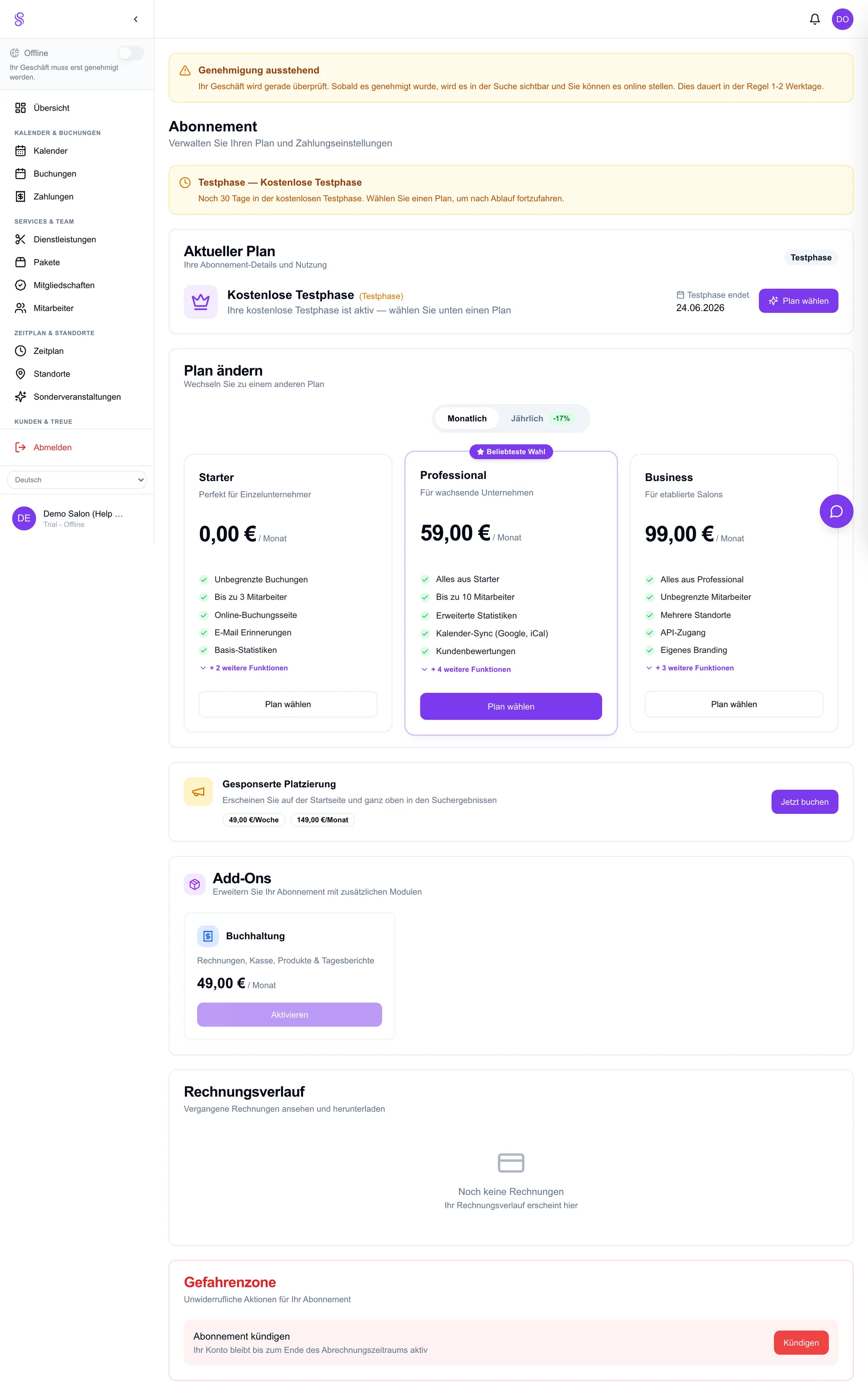
Manage your plan, billing details and cancellation under Subscription. Upgrades take effect immediately and are prorated; if you downgrade or cancel, you keep access until the end of the paid period — so you're never cut off mid-cycle.
How to set it up
- 1
Open Subscription
Go to Dashboard → Subscription.
- 2
Change plan
Pick a new tier; upgrades apply at once and are prorated.
- 3
Update billing details
Edit your payment method or billing address here.
- 4
Cancel if needed
Cancellation keeps access until the period ends.
Good to know
- Upgrades are immediate and prorated.
- You keep access until the end of a paid period after cancelling.
- Update your payment method before it expires to avoid interruption.